Hypothetically downloading monash ebooks
This is a thought experiment, none of the activities referenced here should be reproduced. This is for educational purposes only, highlighting the inherent limitations of browser-based DRM, and it is not intended to infringe on any copyright
I wanted to look into how the monash ebook library restricted how people viewed their textbooks. The UI is slow and crappy, it is forbidden to copy the text, and textbooks have a maximum number of concurrent users (e.g 10 viewers, for which the unlucky 11th would simply be barred from viewing). The following is my attempt at testing the digital security of the ebook provider, as an educational exercise.
Research
When the ebook page is first viewed, it looks something like this:
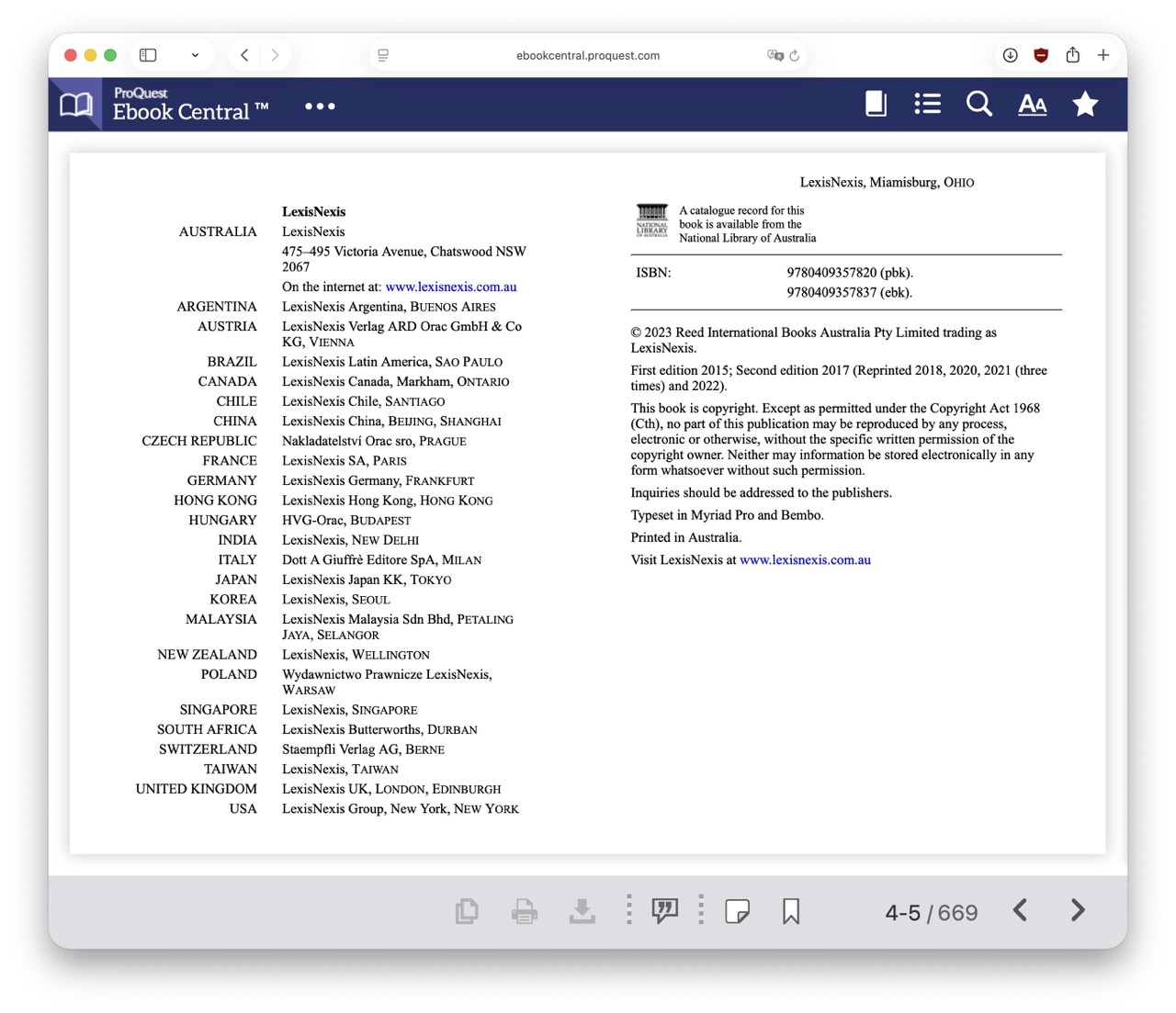
Key things to note here are 1) the actual viewer in the center, which will be the page that we intend to copy, and 2) the left/right navigation buttons, which we’ll use to autonomously navigate. What’s especially convenient here is that the original source of this textbook is an epub, and as such the text content is in HTML/CSS form, readily available to copy and reproduce.
Therefore, all we need is to emulate a browser window using Playwright, and go page-by-page, copying the content of the textbook.
Implementation
A main loop might go like this:
First, wait until the iframe with the selector
iframe[id^='epubjs-view-']appears, signifying that the page has loaded.Copy the contents of the iframe, which contains the content of each page in HTML form.
Use BeautifulSoup to bypass the page’s anti-copy protection. See Difficulties for more information.
Save the page locally.
Wait a randomised amount of time to bypass any bot detection, and click the “next page” button.
Restart thel loop.
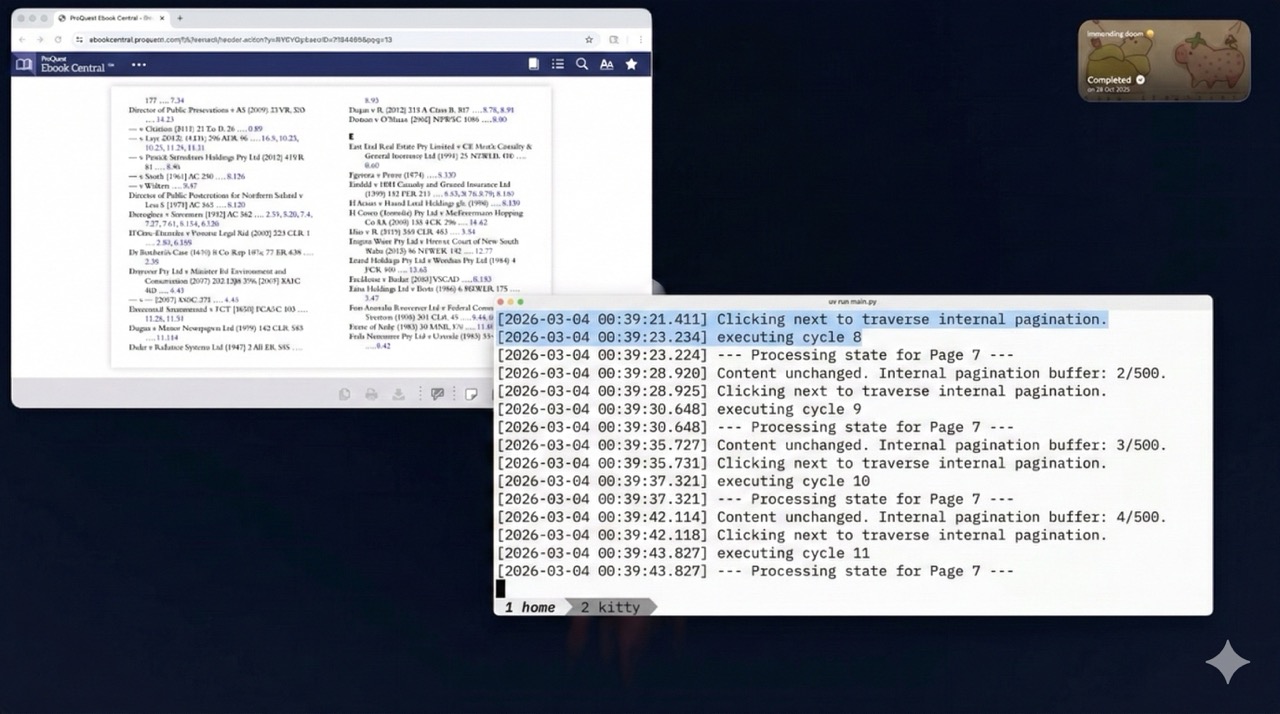
The final file is only ~130 lines long, and may be able to successfully download each page to a local folder. It may hypothetically take ~2 hours to download an entire 700 page textbook.
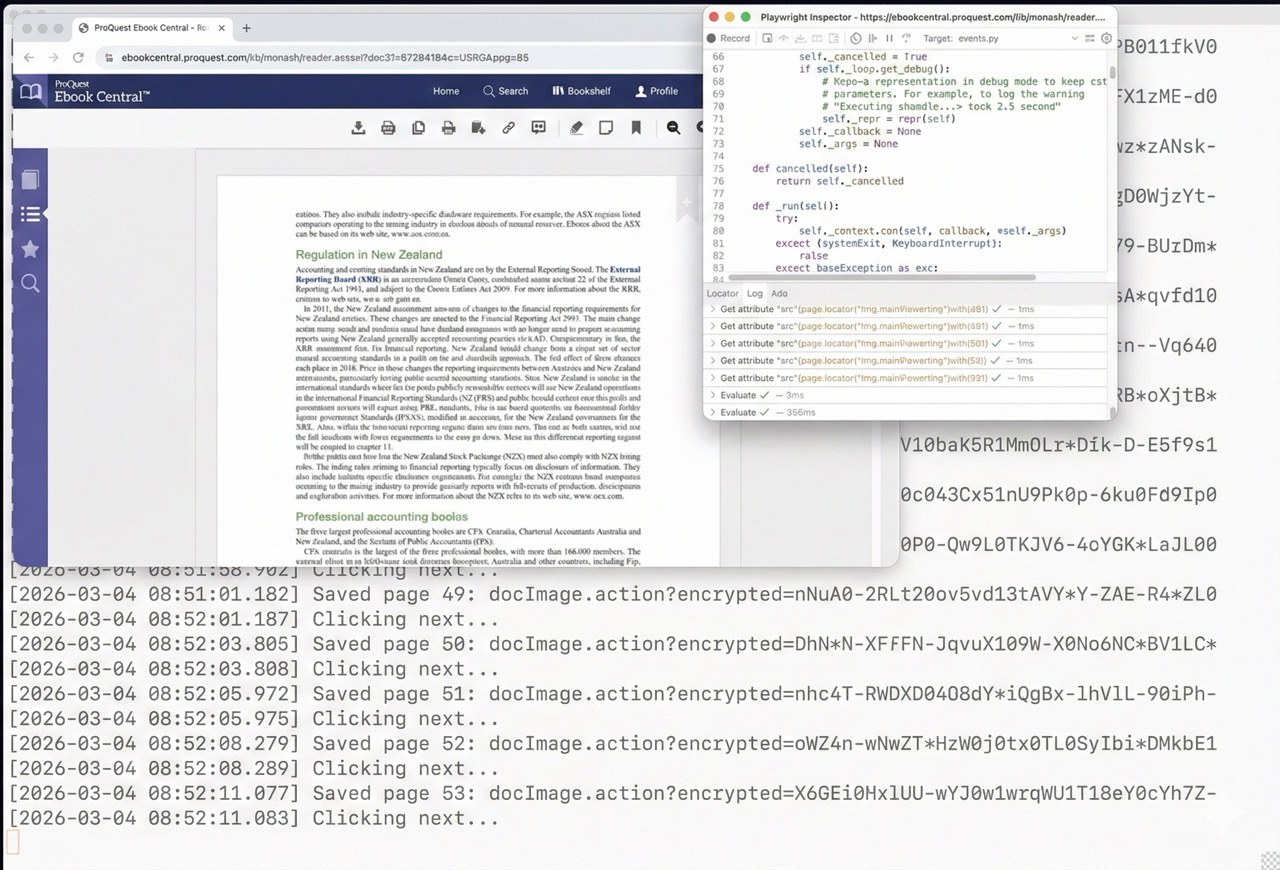
Here’s a similar method with another textbook:
Difficulties
Initially, every page downloaded seemed to be blank when viewed from a browser. However it turns out, each page has this script:
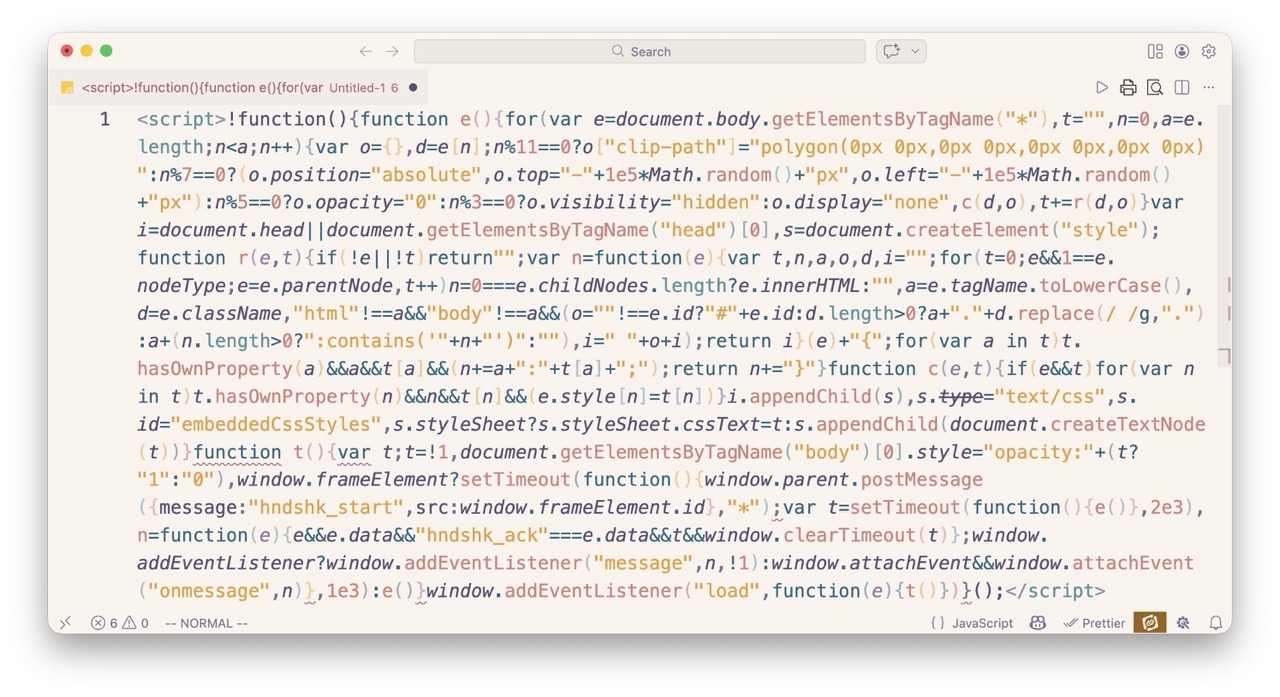
No need to read it, but essentially it detects if the page is being viewed by the online ebook reader, and if not, it makes the entire page blank 😭. No worries, beautifulsoup fixes this by simply deleting every script tag it can find.
for script_tag in soup.find_all("script"):
  script_tag.decompose()
 clean_srcdoc = str(soup)
The theoretical code also has a horrendous memory leak somewhere that caused it to crash halfway through during testing, but increasing the maximum allowed memory allowed it to somehow survive on the final run.
Recombining
The last and easiest step is to recombine your wonderful html pages back into an ebook. To do this, you may or may not be able to use ebooklib to recompose each page, add in mandatory epub metadata, and export a finished book.
And thus, this proof-of-concept script is able to bypass all security measures.